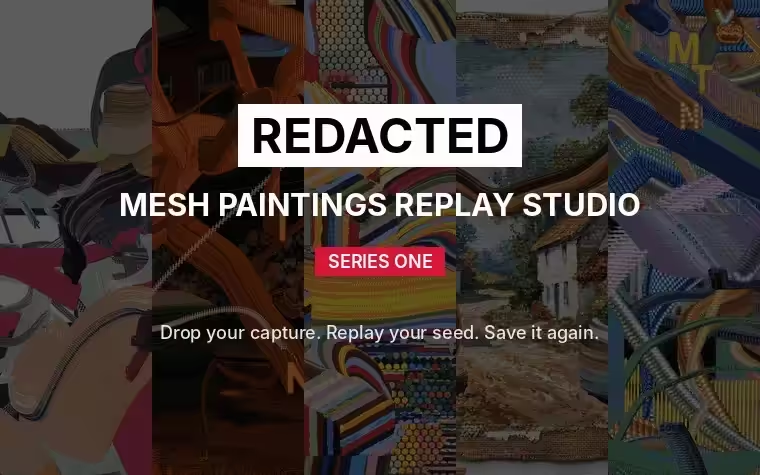
Redacted Mesh Paintings Replay Studio: Series One
A companion tool for collectors of Redacted Generative Mesh Paintings: Series One
Every time a Redacted Mesh Painting is opened it rolls a new seed, so every viewing is a one-off. The Replay Studio lets you go back to any of those moments, replay them from the start and capture them again.
It works with the five paintings in Series One:
Resisting AI // Redacted // JOHNNIIES // Redacted // Redacted Mesh Painting 013 Redacted // Old Painting at the end of its physical existence Redacted // Amusements
How to save a seed
When a painting is playing and you like what you see, press S to save a still. The file name holds the painting and its seed, for example:
amusements_redacted_seed482915736_000152.png
GIFs and MP4s you save also carry the seed in their names.
How to replay it
Open the Replay Studio.
Drop your capture anywhere on the page, or press Choose… and pick it, or paste its file name. Only the name is read; your file isn't opened or uploaded.
The studio opens the right painting and plays your seed from the beginning, exactly as it first appeared.
You can also choose the painting from the list and type the seed number yourself.
Capture it again:
S: still image (full size, up to 8000 px) G: GIF (press again to stop and save) X / Z: MP4, 30 or 60 seconds (press again to save early) V: video (press again to stop and save, any length) Esc: cancel Tick "Wait at the start" and the painting holds on its first frame until you choose GIF, MP4 or Video, so your recording begins with the painting.
Playback
Space: pause / play R: new seed ↑ / ↓: speed up to 16×
Recent seeds are kept in the panel. Everything you save from the studio carries its seed too, so it can always be replayed.