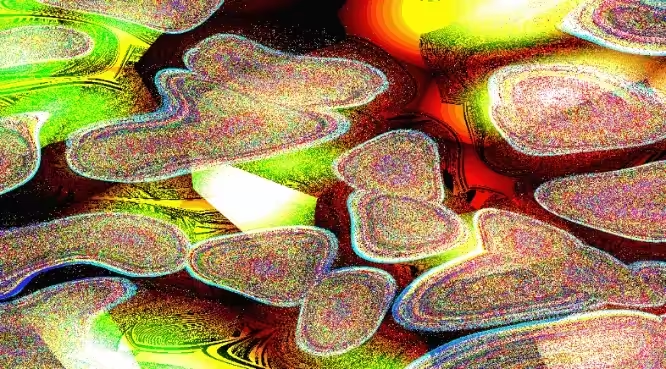
Weird▲Klub Gallery Collection: Unlawful Assembly
Empress Trash, 2025 — on objkt
Ed. 1/13
Description
Audioreactive Visual Synth made with Hydra Minted for Weird Klub Group Drop: What is weird? <3
Weird isn’t chaos. Weird is the shape left behind when chaos organizes itself into something unexpected. Weird isn’t wrong. Weird is what happens when right and wrong are accepted for their subjectiveness. Weird is the ghost of rules no longer enforceable.
How to Enable Audio Reactivity: This visualizer reacts to microphone input by default and that can't be changed. To make it react to desktop audio (Spotify, YouTube, DAWs, etc.), follow these steps:
Windows (VB-Audio Virtual Cable)
- Download & install VB-Audio Virtual Cable: vb-audio.com/Cable
- Set Output Device to “CABLE Input (VB-Audio Virtual Cable)”
- Set Input Device to “CABLE Output (VB-Audio Virtual Cable)”
- To still hear audio, enable “Listen to this device” in Sound Control Panel → Recording → CABLE Output → Properties → Listen
Mac (BlackHole)
- Download & install BlackHole (2ch): existential.audio/blackhole
- Open Audio MIDI Setup and create a Multi-Output Device
- Select BlackHole + Your Normal Speakers
- In System Preferences → Sound, set Output and Input to BlackHole 2ch
If audio-reactivity isn’t working:
Make sure microphone access is allowed. Check input/output settings. Increase the volume for stronger visual response.
<3
On-chain
Market
Provenance
Collectors