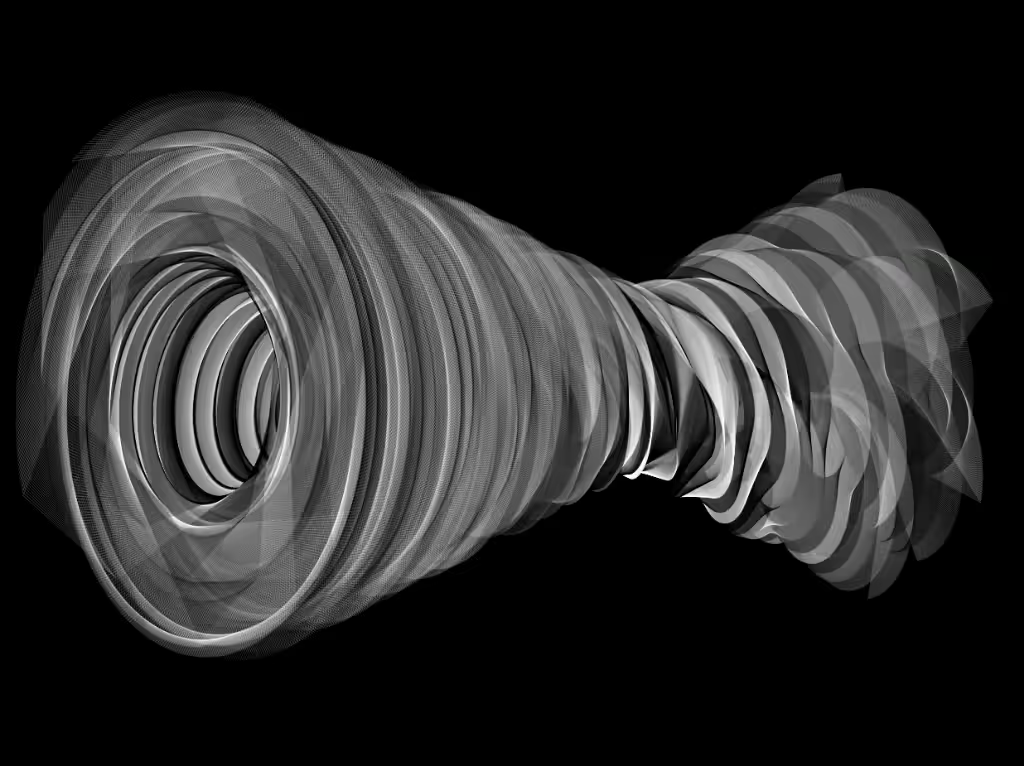
Generative Twist
Click on the canvas to watch an animation of the current Twist. Arrow left/right or swipe left/right for a new random Twist. Arrow up/down or swipe up/down for a new Twist in a random color.
On desktop, you can press the arrows 1-5 to switch the color, this can also be adjusted during an animation.
- default (black white)
- Red
- Green
- Blue
- Yellow
Press 'R', to repeat the animation of the current twist, with a pause of a few seconds. This wil use the last selected color, and you can adjust it while drawing. Press 'S' to start a series of infinite animations, using the last selected color. Press 'C' to start a series of infinite animations, with a random color every time. ESC will stop the animation after the current one.
Full screen mode is recommended. This is an improved version with more options for mobile.
Written in Javascript License: CC BY-NC 4.0 www.josvromans.com